How to Deposit and Withdraw Money Process
Getting your money in and out of an online gaming platform should be simple. This guide walks you through everything, from making your first deposit to requesting a withdrawal, on JJJPK, one of Pakistan’s most popular mobile gaming apps. No confusion, no guesswork.
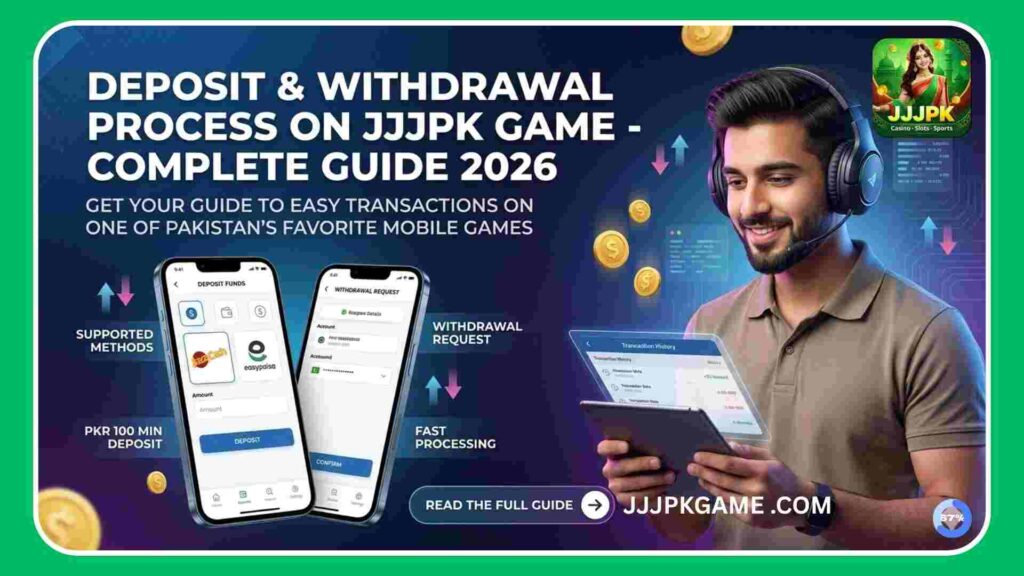
Supported Payment Methods in JJJPK App
Before you deposit or withdraw, knowing which payment gateways are supported saves time.
|
Payment Method |
Deposit |
Withdrawal |
Processing Time |
|---|---|---|---|
|
JazzCash |
✅ Yes |
✅ Yes |
Instant – 1 Hour |
|
Easypaisa |
✅ Yes |
✅ Yes |
Instant – 1 Hour |
|
Bank Transfer |
✅ Yes |
✅ Yes |
2 – 24 Hours |
|
SadaPay |
✅ Yes |
❌ Limited |
Varies |
|
NayaPay |
✅ Yes |
❌ Limited |
Varies |
Note: Always use the payment method linked to your registered mobile number to avoid transaction failures or delays.
Minimum and Maximum Limits in JJJPK Game
Understanding transaction limits helps you plan your gaming budget wisely.
|
Transaction Type |
Minimum Amount |
Maximum Amount |
|---|---|---|
|
Deposit |
PKR 100 |
PKR 50,000 |
|
Withdrawal |
PKR 200 |
PKR 30,000 |
|
Daily Deposit Limit |
— |
PKR 1,00,000 |
|
Daily Withdrawal Limit |
— |
PKR 50,000 |
Limits may vary based on your account verification level and platform updates.
How to Deposit Money in the JJJPK Game — Step-by-Step
Depositing funds into your gaming wallet is fast and straightforward.
How to Withdraw Money in the JJJPK Game — Step-by-Step
Withdrawing your real money earnings is just as simple as depositing.
Deposit vs Withdrawal — Quick Comparison
|
Feature |
Deposit |
Withdrawal |
|---|---|---|
|
Speed |
Instant to 30 mins |
1 – 24 hours |
|
Verification Needed |
Basic |
Account must be verified |
|
Screenshot Required |
Sometimes |
No |
|
Minimum Amount |
PKR 100 |
PKR 200 |
|
Bonus Eligible |
✅ Yes |
❌ No |
Common Deposit and Withdrawal Issues in JJJPK Online Game
Even on reliable platforms, small problems can come up. Here are the most common ones and how to fix them.
Tips for Smooth Transactions
Is the Payment System Secure in the JJJPK Game?
The platform uses SSL encryption and secure payment gateways to protect your financial data. Your JazzCash and Easypaisa details are never stored on the server directly. Each transaction is processed through a verified payment processor, reducing the risk of fraud or unauthorized access.
That said, always:
Final Thoughts
The deposit and withdrawal process on the JJJPK Game platform is designed to be fast, local, and beginner-friendly. With support for Pakistan’s most-used mobile wallets and clear step-by-step flows, even first-time users can manage their funds without stress. Start small, verify your account early, and always keep your transaction records safe. If you want to learn the Registration and Login Process in the JJJPK App, click the link to learn more.
Learn how to register and log in on the JJJPK Game App.
FAQs
Can I deposit using someone else’s JazzCash account?
It is not recommended. Using a different account can cause verification issues and delay your transactions.
Is there a fee for withdrawals?
Some platforms charge a small processing fee. Always check the withdrawal page for any deduction details before confirming.
Can I cancel a withdrawal request?
Once submitted, most requests cannot be cancelled. Contact customer support immediately if you made an error.
Why is my withdrawal on hold?
Your account may need identity verification, or the request may be under a routine security review.
How do I know my deposit was successful?
You will see the updated wallet balance inside the app and may receive an SMS or in-app notification confirming the deposit.